Building a Design System at WGU: My Journey
Launched a fully functional, scalable design system that reduced design-development gaps and enabled faster product iterations across WGU’s platforms. The system empowered teams to deliver consistent, accessible, and user-centered experiences with minimal overhead.
Consistency
95%
UI Components Standardized
Efficiency
30%
Faster design handoff to developers
Adoptation
4
Cross-functional teams actively using the system
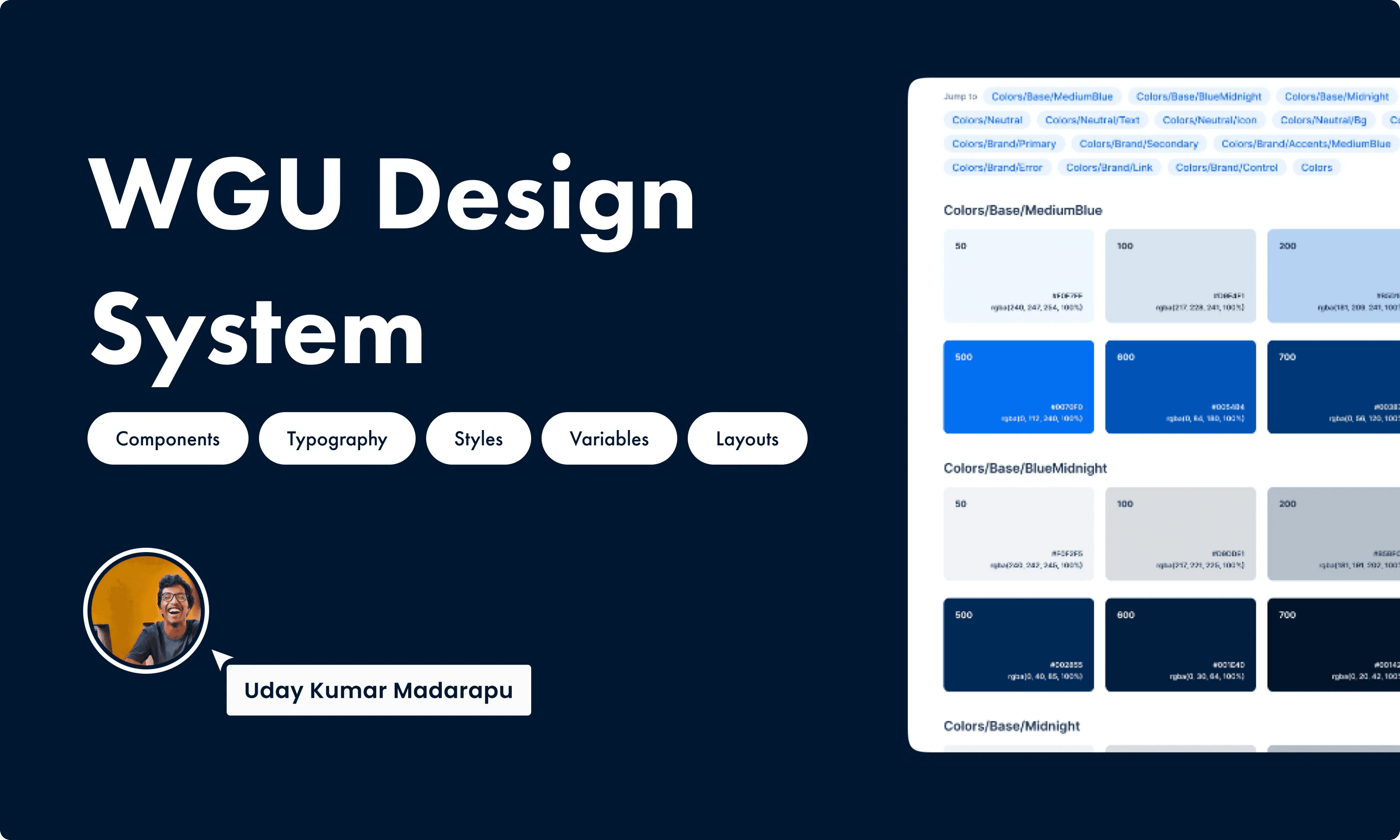
WGU Design System
Education / EdTech
4-5 Cross Functional Members
Challenge
WGU’s existing platforms had inconsistent UI components, varying design patterns, and redundant workflows that slowed product iterations and caused confusion for both designers and developers. Our task was to create a unified design system that standardized components, improved collaboration, and reduced design-developer friction while ensuring accessibility and scalability.
Results
Improved user satisfaction with more intuitive interfaces and consistent patterns
Reduced development errors caused by inconsistent UI implementation
Accelerated cross-team collaboration, enabling designers and developers to work more effectively together
Increased confidence in design decisions, as every component had clear guidelines and accessibility standards
Provided a foundation for scalable growth, allowing new products and features to align with the system from day one
Process
Audit & Discovery: Reviewed existing product UI to identify inconsistencies and redundant patterns.
Decision-Making: Chose a modular approach to support rapid scaling and easy customization.
Component Library: Created reusable components with clear usage guidelines, including accessibility and responsiveness considerations.
Collaboration: Partnered closely with engineers to ensure implementation feasibility and maintain design integrity.
Key Choice: Prioritized components that solved the most frequent UX issues first, rather than attempting a complete system from day one.
What Failed
Initial typography scale was too rigid, causing inconsistencies when applied across varying content types.
Assumed teams would adopt the system organically—realized training sessions were essential.
Next iteration: Introduce flexible typography and structured onboarding for all product teams.
What's Next
Expand the system to cover interactive patterns and motion guidelines.
Explore analytics to track component adoption and user satisfaction.
Investigate AI-assisted component suggestions to further accelerate design efficiency.